
Retire a legend. Receive $CLG.
Burn one Legends Awaken I, Legends Awaken II or Trinari: Elderborn NFT on crovia.app and receive $CLG from that collection's own claim contract, in the same transaction. Every burn pays a fixed 0.1 CLG. Burning is open for Trinari: Elderborn. For Legends Awaken I and II it isn't open yet: their claim contracts are being set up, and the opening is announced on Discord and X.
Where you burn, and what you'll be asked forOn crovia.app, in the burn panel on the collection's page. To burn one NFT, your wallet approves that one NFT for the claim contract, then confirms the burn. To burn several at once, it approves the claim contract for that collection once; the contract can use that only when you burn, and only to send your NFTs to 0x…dEaD. Never a signature, never your recovery phrase.

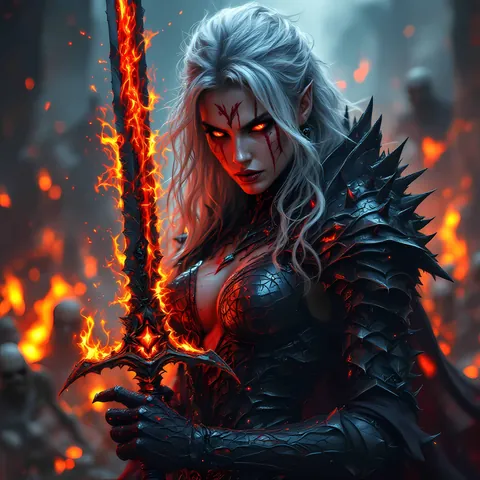
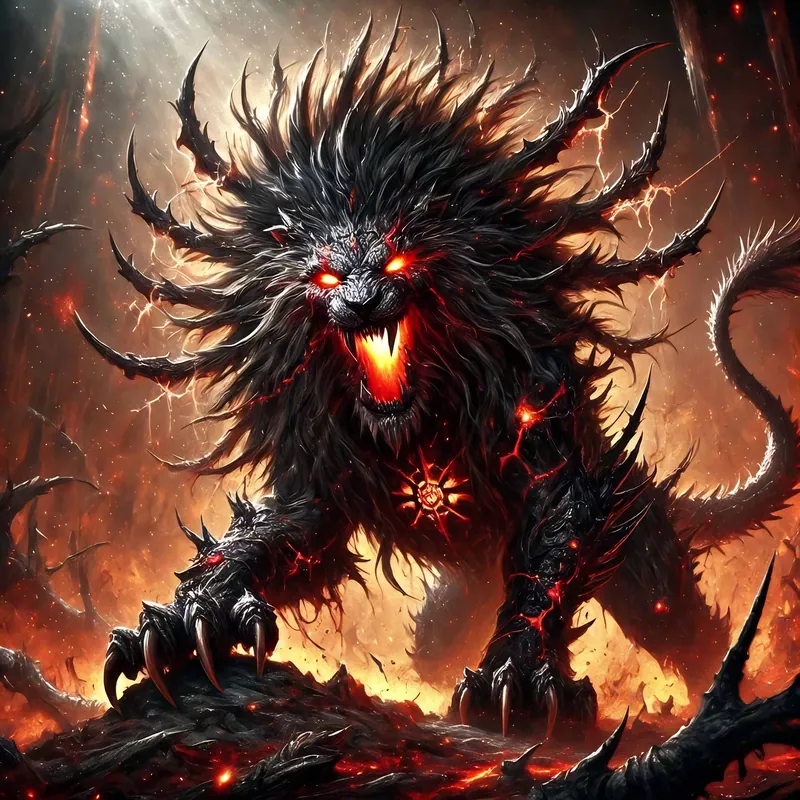
Where to burn
Each collection has its own claim contract, and you burn in its burn panel on crovia.app. Trinari: Elderborn is open now. For Legends Awaken I and II burning isn't open yet: their claim contracts are being set up, and until they're live their panels are not shown. The opening is announced on Discord and X.
Legends Awaken I
Opening soonToken IDs 1–500. 0.1 CLG per burn, first come, first served while the reserve covers it.
Claim contract: published here when burning opens · NFT contract: 0x68A3…28bA
Legends Awaken II
Opening soonToken IDs 1–774. 0.1 CLG per burn, first come, first served while the reserve covers it.
Claim contract: published here when burning opens · NFT contract: 0xB966…6a0d
Trinari: Elderborn
OpenToken IDs 1–212. A fixed 0.1 CLG per burn, paid by the claim contract in the same transaction, with no fee, first come, first served while the reserve covers it. The reserve opened with 2 CLG, enough for the first 20 burns; more will be added over time. A burn the reserve can't cover is refused, and the Elderborn stays in your wallet.
Claim contract: 0xa3cB…f184 · NFT contract: 0xaCBD…0fB4
Burn in the collection's panel on crovia.app.
- Open the collection on crovia.app and connect your Cronos walletThe burn panel lists the eligible NFTs you hold. Nothing is signed.
- Choose an NFT and reviewYou see the exact $CLG amount the burn pays and the claim contract's address.
- Approve, then confirm the burnFor one NFT, the approval covers only that NFT; for several, one approval for the collection covers the batch. In the burn transaction the claim contract sends them to 0x…dEaD and pays you the $CLG; if anything fails, the whole transaction reverts and you keep your NFTs.
Five things to check
- It's permanent. A burned NFT goes to 0x…dEaD, where nobody can ever move it again.
- Only the burn panel on crovia.app pays (or a
safeTransferFromstraight into the claim contract). Sending an NFT to 0x…dEaD yourself, using another burn tool, a plain transfer or the collection's batch transfer moves it with no payment, and it can't be recovered. - NFTs in the Crypto.com NFT app must first be withdrawn to your own Cronos wallet.
- Check the address bar says crovia.app when you burn. We never DM first and never ask for your recovery phrase.
- Keep a little CRO for gas. A burn costs well under 1 CRO.
Everything the contracts do, in plain words.
These are the published terms of the burn program. The contracts are immutable, so these rules cannot change; if we ever launch different contracts, they'll be announced here with new addresses.
The claim route
Each collection has its own claim contract (crovia.app's CroviaBackingRedeemerV2): Legends Awaken I accepts token IDs 1–500, Legends Awaken II token IDs 1–774, Trinari: Elderborn token IDs 1–212. In the burn panel on crovia.app you approve the one NFT you picked and call redeem; sending it into the claim contract with safeTransferFrom does the same. To burn up to 50 at once, the panel asks you to approve the claim contract for the collection (setApprovalForAll) and calls redeemMany. The contract only ever moves NFTs out of the wallet that calls it, and only to the burn address, so nobody else can use that approval; you can revoke it at any time. In that transaction the claim contract sends the NFT to 0x000000000000000000000000000000000000dEaD, where it can never be recovered, and pays the NFT's owner in $CLG from its own balance. Each token ID can be paid only once. If anything fails, the whole transaction reverts and you keep your NFT.
- Legends Awaken I claim contract
- Published here when burning opens
- Legends Awaken II claim contract
- Published here when burning opens
- Trinari: Elderborn claim contract
0xa3cB8e91912b07a3358F6166331100E1a706f184- Reserve
- Each claim contract holds its own $CLG reserve: the reserve is the contract's own $CLG balance. Anyone can add to it with a plain $CLG transfer; there is no fixed schedule. The Trinari: Elderborn reserve opened with 2 CLG, enough for the first 20 burns, and more will be added over time.
- Burn address
0x000000000000000000000000000000000000dEaD- Source code
- Trinari: Elderborn's claim contract is submitted for source verification on the Cronos explorer; Legends Awaken I and II's follow when their burning opens. Every setting is readable from the contract with
config().
How much you receive
Legends Awaken I, Legends Awaken II and Trinari: Elderborn: 0.1 CLG per burn, fixed in each claim contract and the same for every burn, first come, first served while the reserve covers it. Read payout() on the claim contract to check it. Trinari: Elderborn's claim contract takes no fee: the whole 0.1 CLG goes to the holder who burns.
No price oracle is involved: payouts are counted in $CLG, never priced. What a payout is worth in CRO or dollars moves with the $CLG market. The burn panel sets the amount it showed you as the minimum, so a burn reverts instead of paying less.
Backing per outstanding NFT = the reserve divided by the NFTs still able to claim, never more than 0.1 CLG, readable as backingPerNft() on each claim contract.
What isn't there — and the one exit
- No per-wallet limit, no periodic window, no queue
- No allowlist, no signature, no team step: any holder can burn
- No pause function and no upgrade path — nobody can change the payout rule, the eligible IDs or the withdrawal address
- No way for a claim contract to move an NFT you didn't burn yourself, even one it is approved for
The one exit. Only the reserve wallet 0xF7192eb21130DD2b96805Ef0347808F1A1d451d4 may withdraw $CLG from a reserve, and only after a date fixed in the contract. That date can be pushed later but never brought closer; it is renewed a month at a time. Before it, $CLG leaves only as burn payouts. The date only limits withdrawals: burns keep working before, at and after it. Read the date as withdrawNotBefore() on each claim contract.
When a burn doesn't go through
A burn reverts — and you keep your NFT — when:
- The reserve can't cover it: it holds less than one 0.1 CLG payout. Burns reopen as soon as $CLG is added.
- The payout is below the minimum you accepted. The burn panel sets it to the amount it showed you.
- The NFT is not eligible: outside the token IDs above, already paid out, or not in your wallet.
The project's own NFTs
The only project wallet is 0xAF87e4Df58D735ec2971d2D8Db663B02cA60175D. It has burned part of its Legends Awaken NFTs without payment and keeps the rest as a team reserve. It also holds some Trinari: Elderborn. The claim contracts treat all of those NFTs like anyone else's. What the wallet holds is public: view it on the Cronos explorer.
Good to know
- The Legends Awaken contracts are Crypto.com NFT deployments; their admin and minter role belongs to Crypto.com's deployer. Any token minted later gets an ID above 500 / 774 and can never be redeemed.
- The payout goes to the wallet the NFT came from.
- $CLG's price can move after you receive it. Selling goes through the CLG/CRONUS pool on VVS.
- Nothing here is a guarantee or financial advice.
Burn FAQ
What will my wallet show?
Two transactions on crovia.app: first an approval for the claim contract (of the one NFT you picked, or of the collection if you burn several at once), then the burn itself. The $CLG arrives in the burn transaction — you'll see it in the transaction details and in your balance.
Is the amount fixed?
Yes: every burn pays the same 0.1 CLG while the reserve covers it, for all three collections. You see the exact amount before you confirm, and a burn that would pay less reverts. What the $CLG is worth moves with the market.
What if the reserve is empty?
The burn reverts and your NFT stays in your wallet. Reserves are refilled with deposits from time to time, first come, first served, on no fixed schedule. The Trinari: Elderborn reserve opened with 2 CLG, enough for the first 20 burns, and more will be added over time.
Can the team stop burns or take the $CLG?
Nobody can pause burns or change the payout rule, the eligible IDs or the withdrawal address. The one exit is the reserve wallet, which may withdraw only after the date fixed in each contract; that date can only be pushed later and is renewed a month at a time. The rules explain it in full.
My NFTs are in the Crypto.com NFT app.
Withdraw them to your own Cronos wallet (for example Crypto.com Onchain or MetaMask) first. The burn must come from the wallet that holds the NFT.
Which wallets work?
Any Cronos-compatible browser wallet that crovia.app supports: Crypto.com Onchain, MetaMask, Rabby and others. On a phone, open crovia.app inside your wallet app's browser.